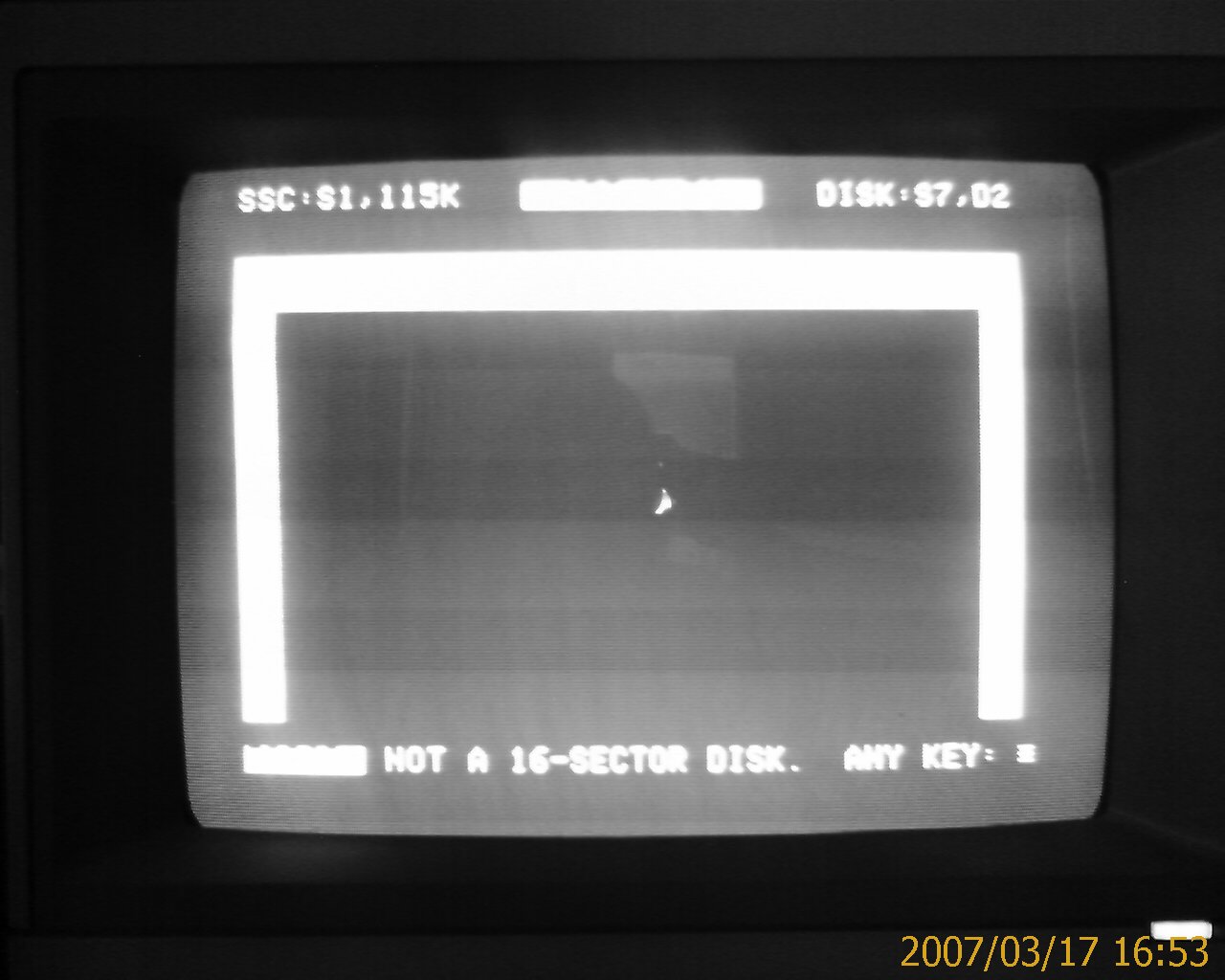
As a matter of fact, I get this error when trying to do anything with ADT (send or receive). I know the Apple and PC are talking because the DIR commands work fine in both ADT and ADTPro.
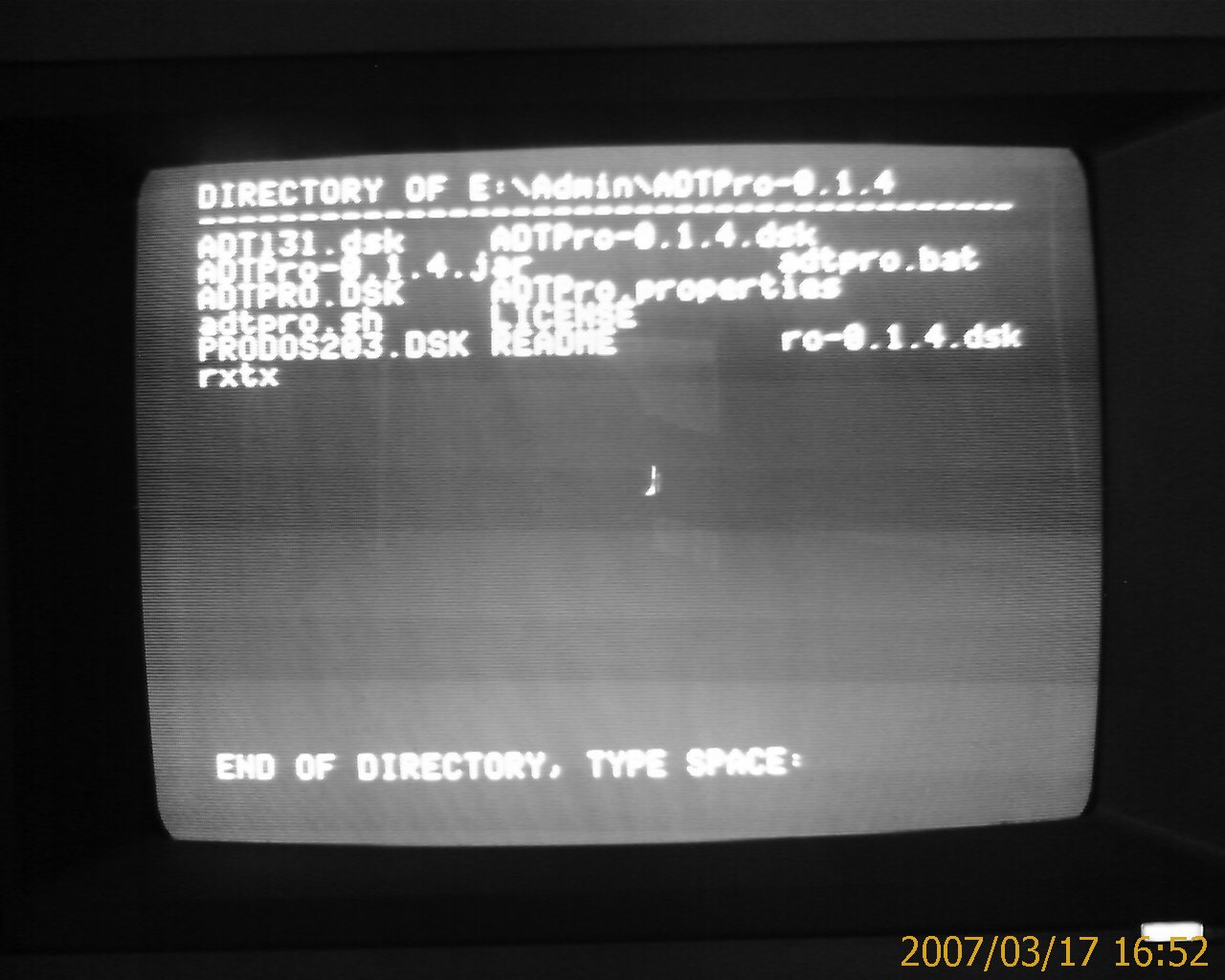
I'm trying to transfer some old data disks from an Apple IIe format to something I can use on a more modern machine (via an emulator). After discovering ADTPro (which is a really cool project), I've been trying to get it to work. I managed to bootstrap the system from bare metal (also, really cool). I got all the way through the ADT disk transfer.
The below is fixed by selecting the correct slot for your disk controller. :-)
I think at that point I'm supposed to use ADT to transfer the ADTPro disk image (ADTPro-0.1.4.dsk). However, I only get an error saying "NOT A 16-SECTOR DISK".As a matter of fact, I get this error when trying to do anything with ADT (send or receive). I know the Apple and PC are talking because the DIR commands work fine in both ADT and ADTPro.
I tried using the bootstrapping method of sending the ADTPro client to a blank DOS formatted disk. This appeared to work but when I try to view the list of Volumes I see nothing.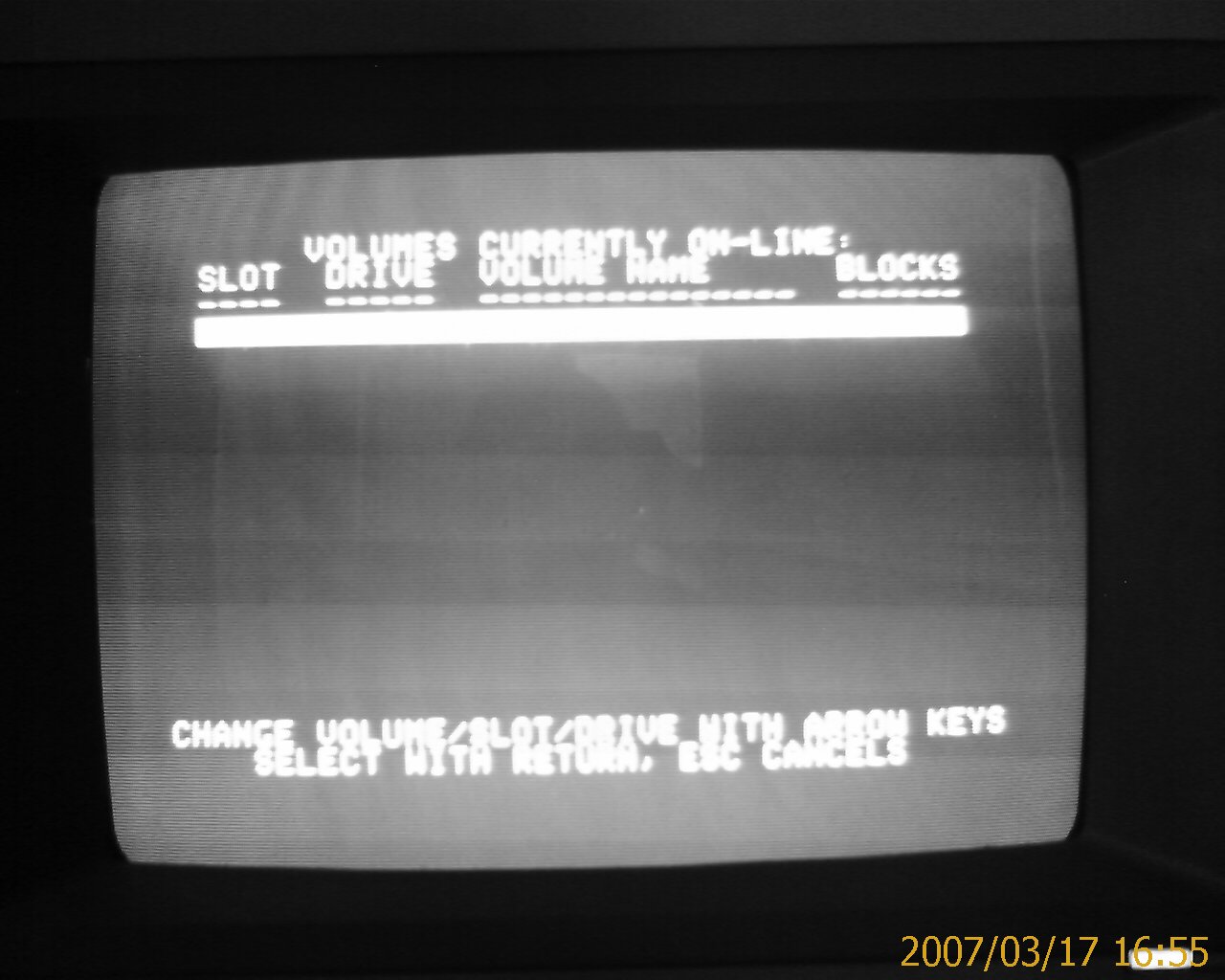
David Schmidt, the Author, pointed out to me that ADTPro needs a PRODOS environment not DOS so this will never work. After transferring the correct disk image for ADTPro, volume selection works correctly.
Now, I can enter a file name
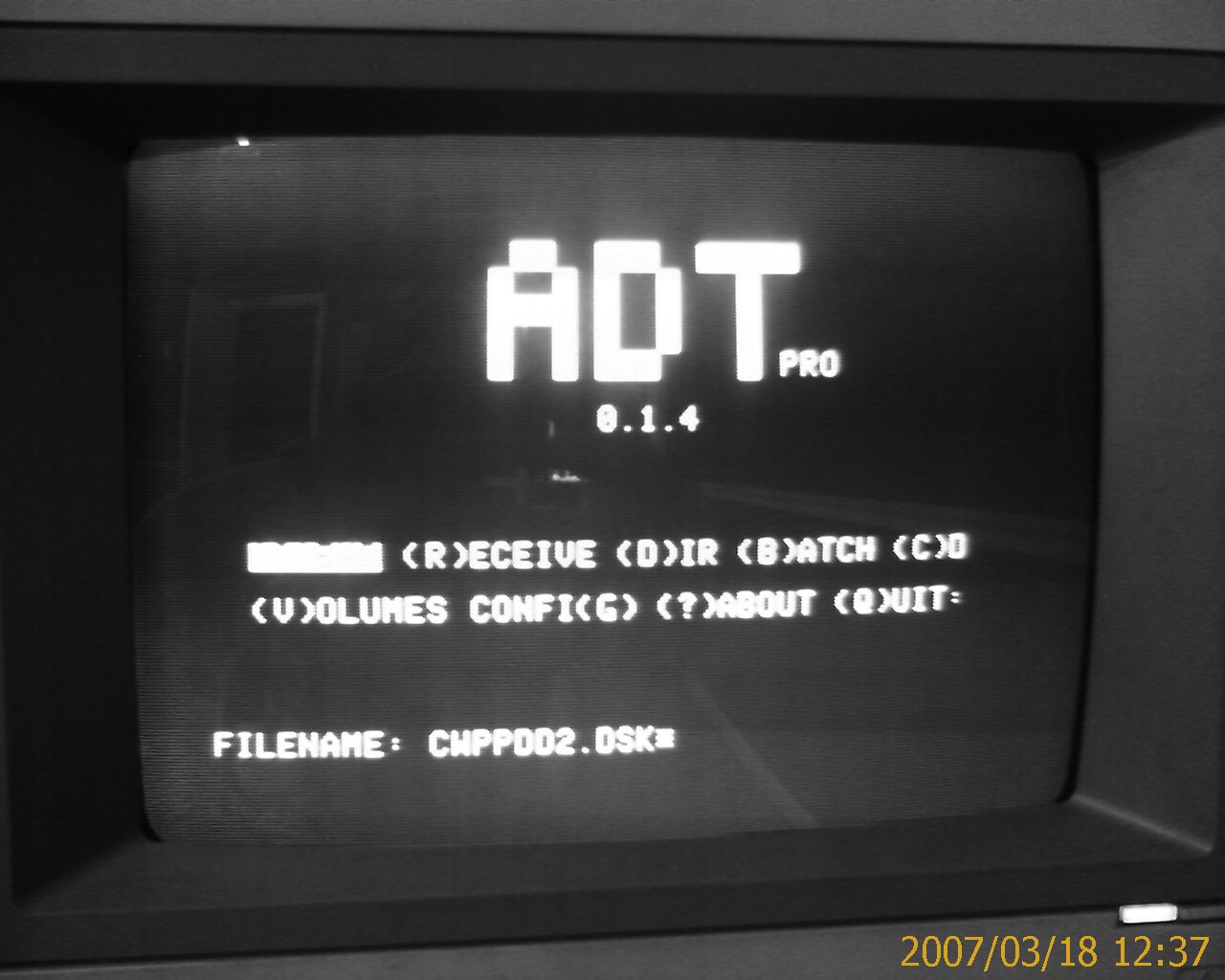
select a volume to send
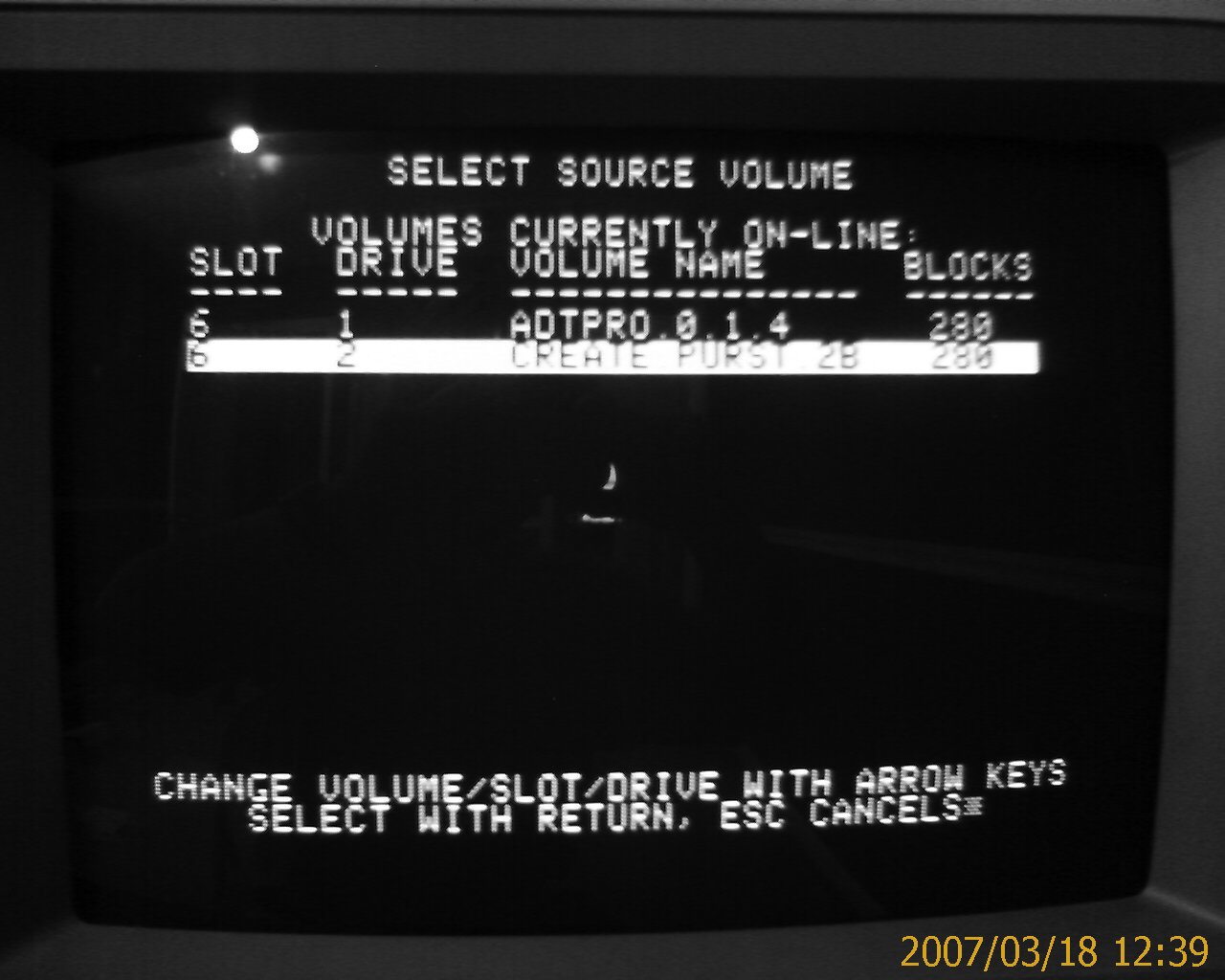
but I get an error when the transfer begins.
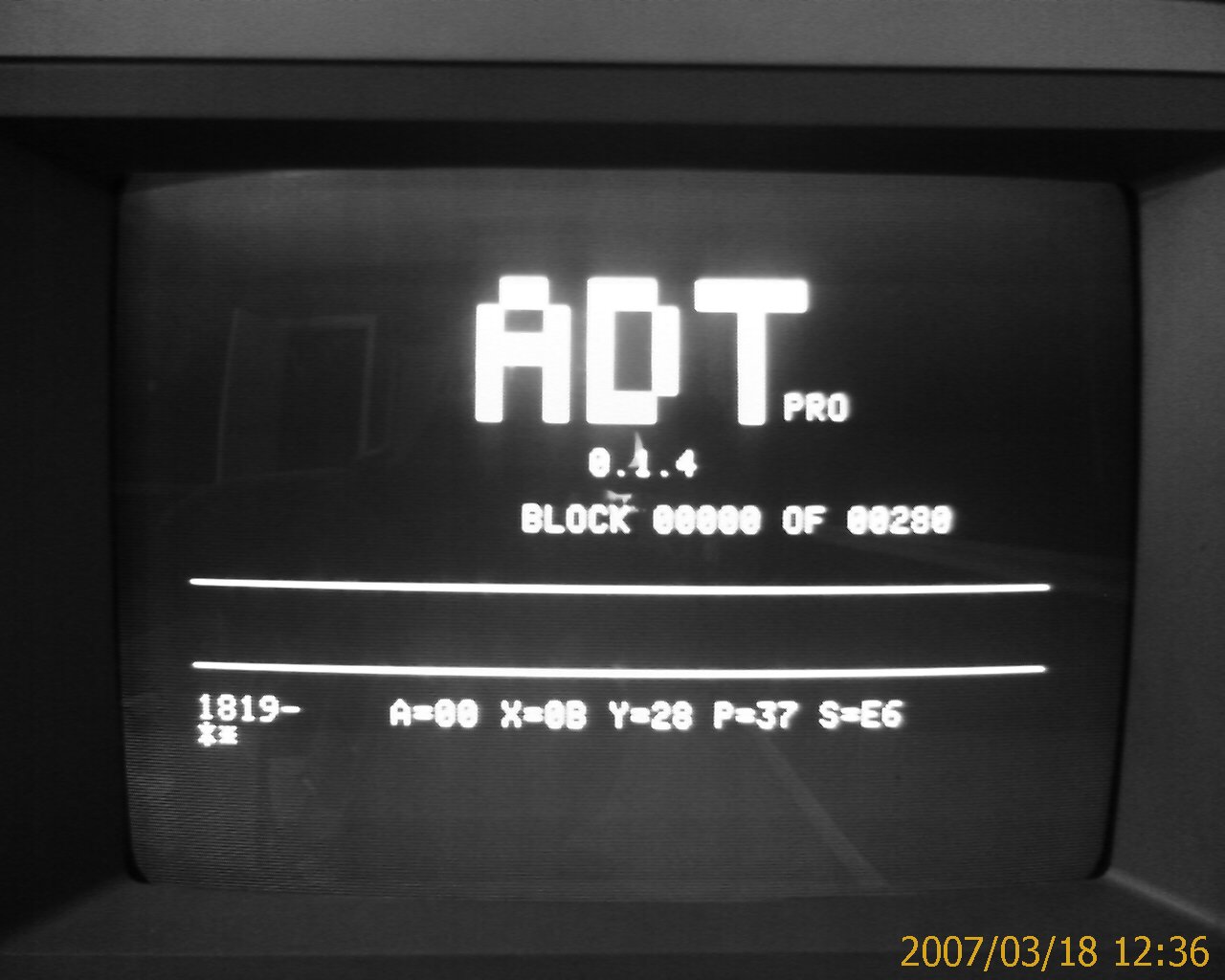
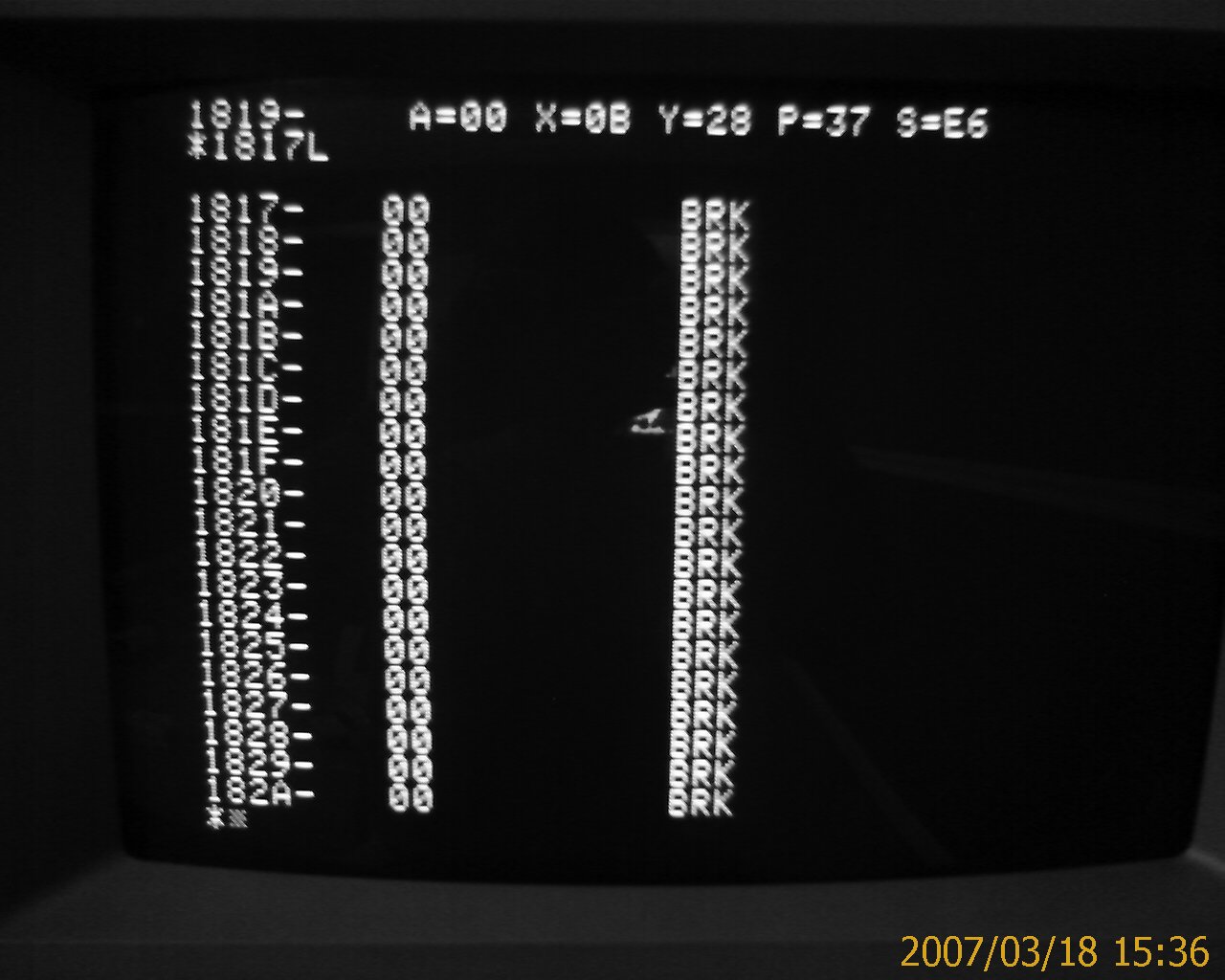
If I run 1817L (per David Schmidt's request), I get a list of 00 entries. My understanding is that this is incorrect.
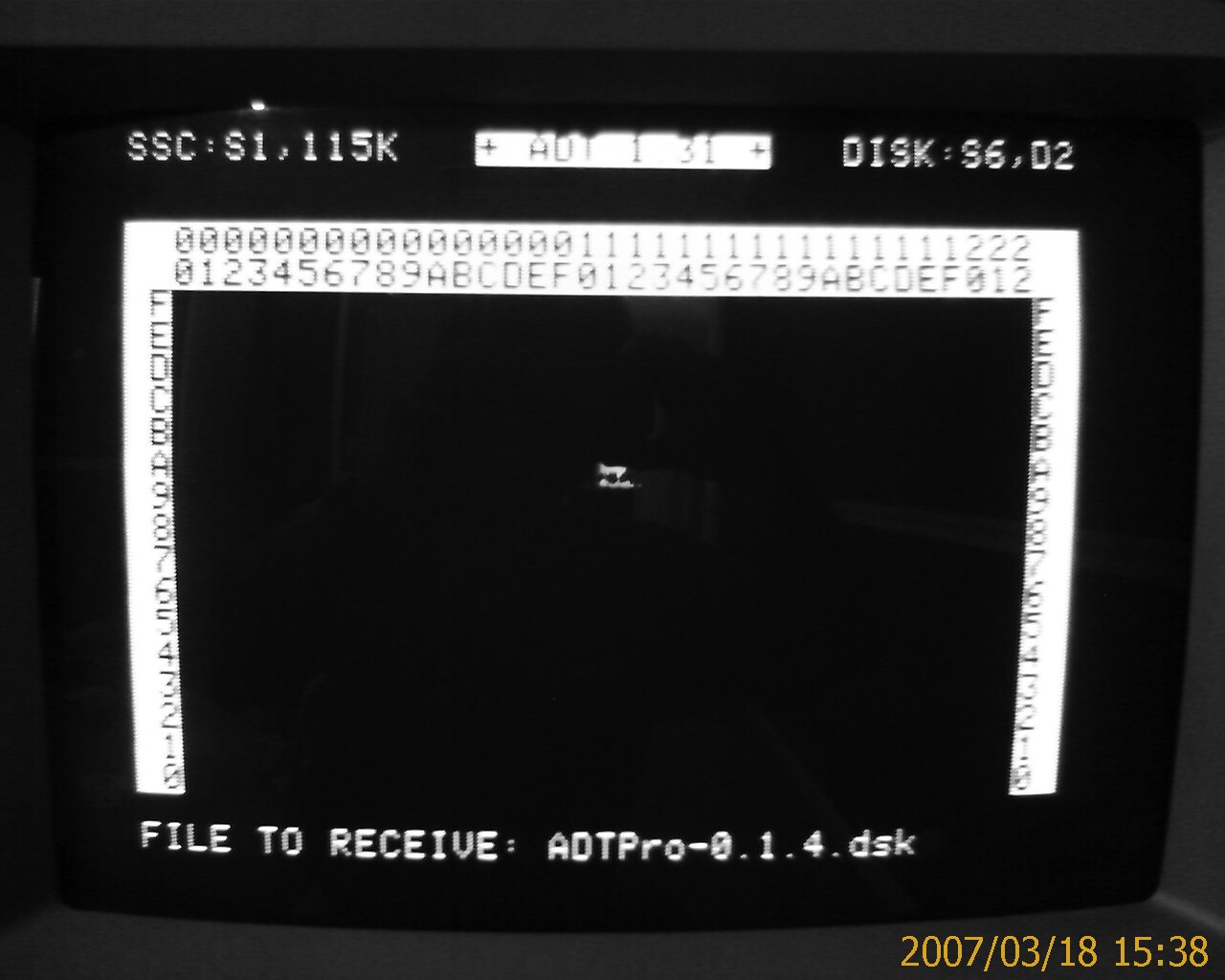
I'm using DOS ADT to transfer the ADTPro-0.1.4.dsk image to the Apple as below
Here is a dump of line 1817 before transferring a disk. It appears to be correct (not all zeros).
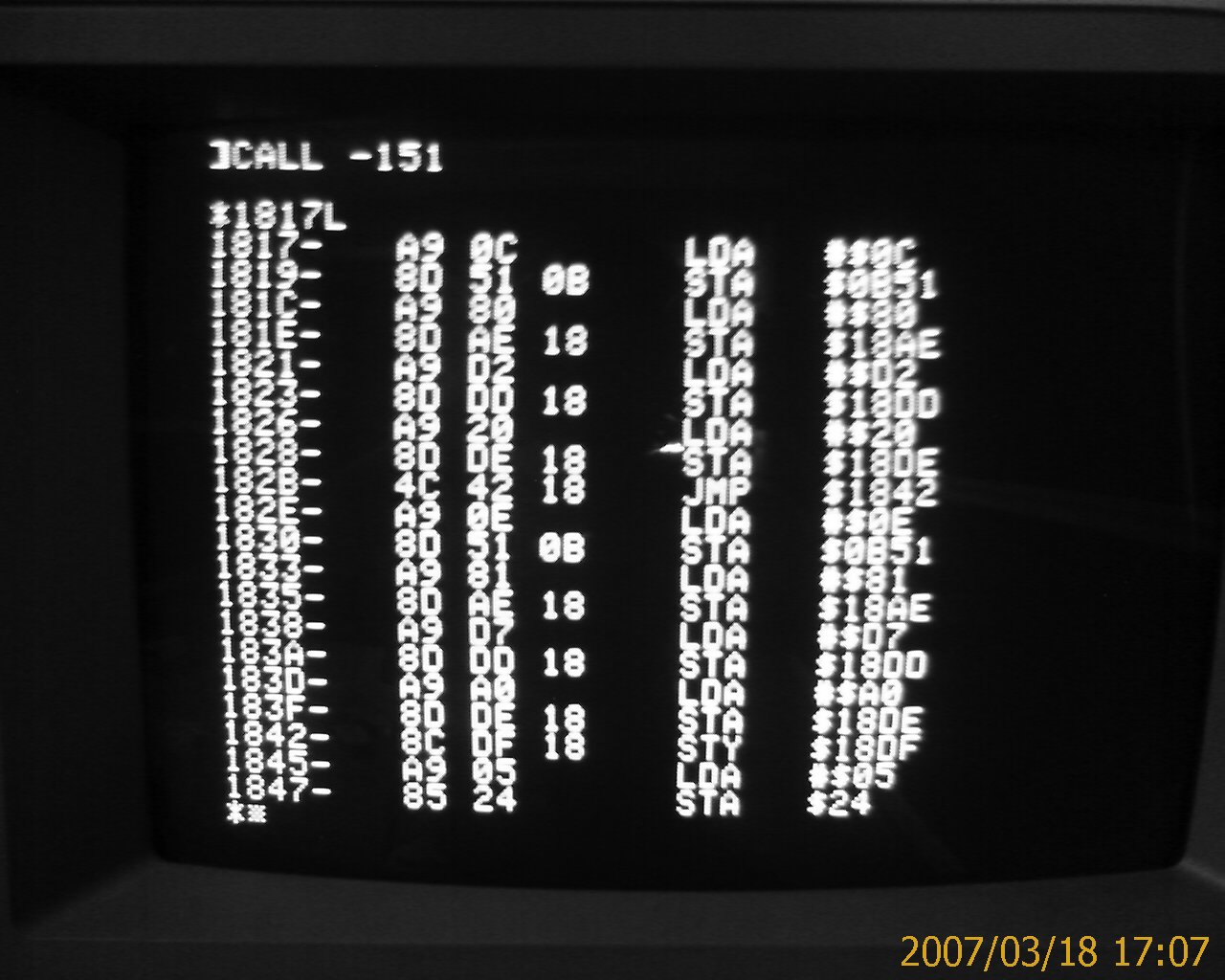
I'll update this, if I figure out how to make it work...
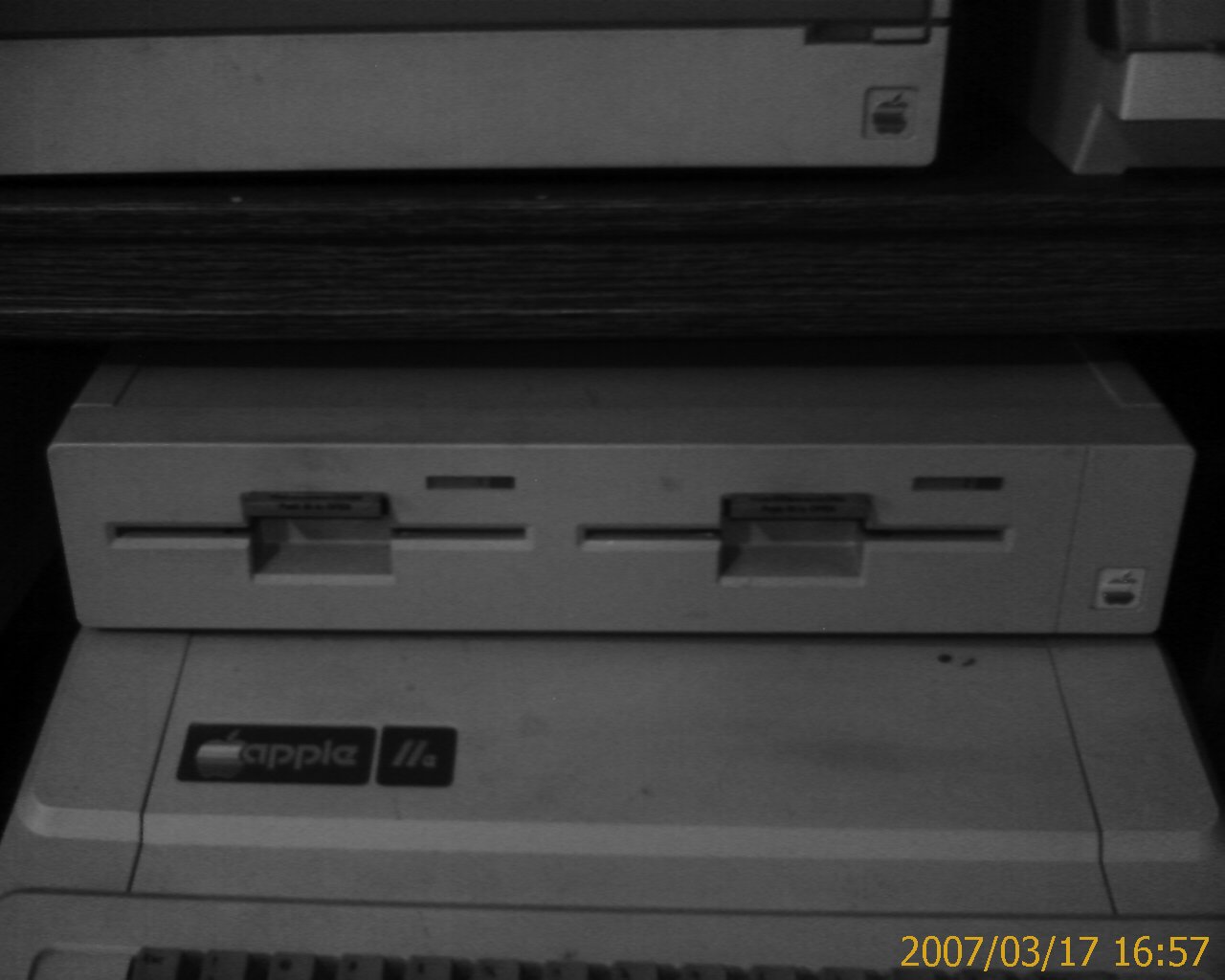
My system is an Apple IIe with a Super Serial Card (SSC) in slot 1. I also have the dual disk drive unit attached to a card in slot 7.
I know this sounds simple, but it took me much trial and error. When initially bootstrapping ADTPro, the IN#x command should match the slot number printed on the motherboard. Ignore the slot numbers on the rear of the machine.